WordPress Block Themes
WordPress me Block Themes aur Full Site Editing (FSE) ka aana website designing ki duniya me ek bahut bada revolutionary change hai. Pehle ke traditional WordPress themes me chote se badlav ke liye bhi PHP, HTML ya CSS coding ki zaroorat hoti thi, jo naye users ke liye kafi mushkil hota tha. Lekin modern block themes ne is poore process ko badal kar website banane ko bilkul 'No-Code' bana diya hai. Iska sabse bada fayda ye hai ki ab aap apni website ke har ek part ko poori tarah control kar sakte hain. Header, footer, sidebar aur main layout—jinhe pehle badalne ke liye code files ko edit karna padta tha—ab unhe aap bina kisi code ke badal sakte hain. Iske liye bas 'Appearance > Editor' me jana hota hai, jahan site editor ke zariye poori website ko live aur visually customize kiya ja sakta hai. Aap simple drag-and-drop karke blocks ko screen par kahi bhi set kar sakte hain, jisse designing ka kaam behad aasan ho jata hai aur time bhi bachta hai.
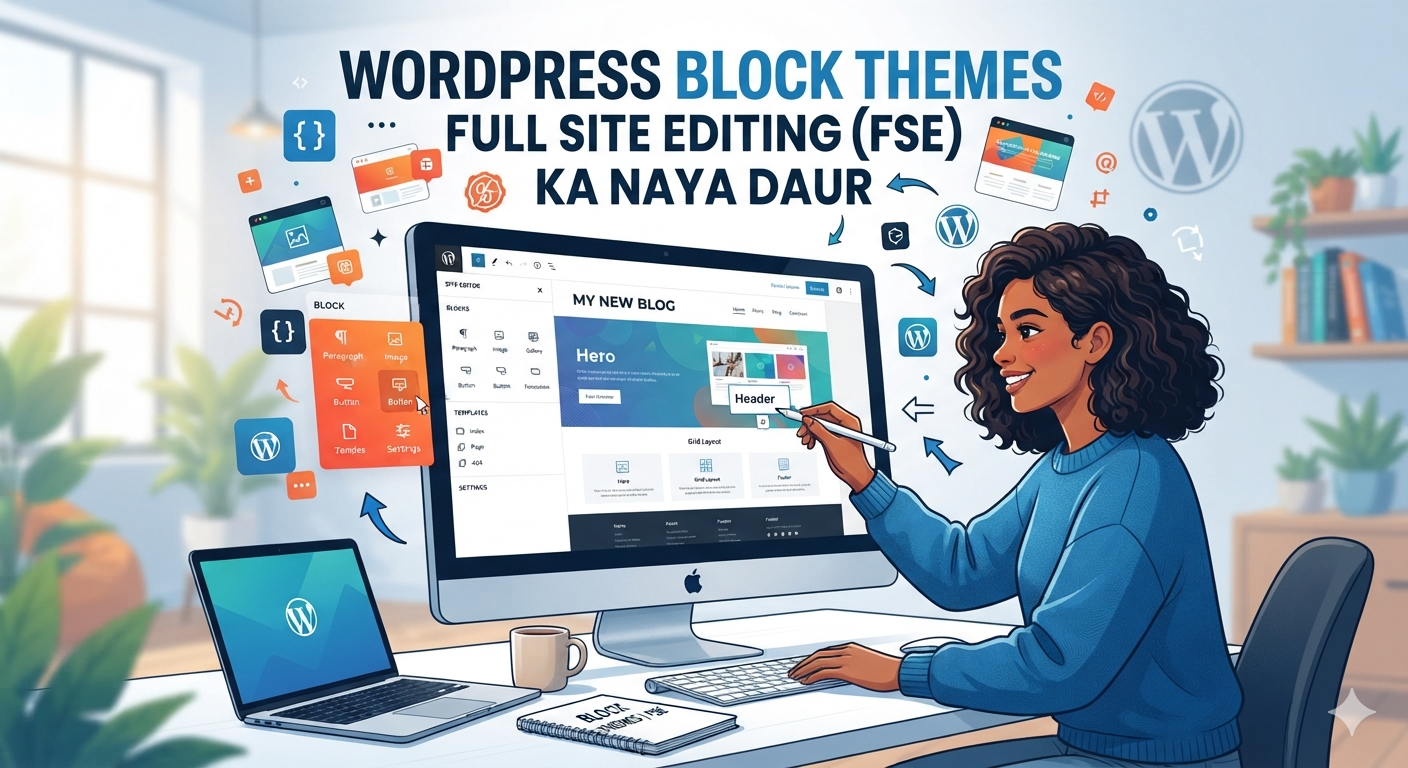
Ye image WordPress Full Site Editing (FSE) ke naye daur ko perfectly show karti hai. Isme ek modern workspace dikhaya gaya hai jahan ek female designer screen par bina kisi coding ke drag-and-drop features ka use karke header, blocks, aur layouts ko visually customize kar rahi hai. Background me WordPress ka iconic logo aur dynamic floating elements jaise color palettes aur settings icons dikh rahe hain, jo modern web designing ki speed aur flexibility ko darshate hain. Yeh creative artwork yeh saaf batata hai ki kaise block themes ne website development ko complex code se mukt karke behad simple aur user-friendly bana diya hai.
Iske sath hi, 'Create Block Theme' plugin ka use is process ko ek next level par le jata hai. Jab aap apni base theme (jaise Twenty Twenty-Five) ke layout, global color palette, typography (fonts) aur templates ko apne hisab se customize kar lete hain, tab ye plugin aapko bina kisi coding ke us poore design ko ek nayi, independent theme ke roop me export karne ka option deta hai. Ye plugin aapki banayi gayi settings ko process karta hai aur aapko ek ready-to-use .zip file de deta hai. Is exported theme ki sabse achhi baat ye hai ki ye kafi lightweight hoti hai aur iska code bilkul clean hota hai, kyunki isme kisi heavy third-party page builder ke faltu codes nahi hote. Is wajah se website ki loading speed fast ho jati hai aur SEO performance bhi behtar hoti hai. Is downloaded zip file ko aap kisi bhi live WordPress website par upload aur activate kar sakte hain, jisse developers ke liye client ki sites ko fast deploy karna easy ho jata hai. Short me kahein toh, block themes aur modern visual editor ne bina kisi coding ke ek professional aur super-fast website banane ki poori freedom de di hai.
🌐 Company/Website NameBrand Name: TechVibe Solutions Private LimitedTagline: Crafting Next-Gen Visual Experiences📍 Office AddressStreet Address: 4th Floor, Alpha Tech Park, Plot No. 12Area/City: Sector 62, Noida, Uttar PradeshPin Code: 201301Country: India📞 Communication DetailsPhone Number: +91 98765 43210 (Demo Number)Landline: 0120-4567890Support Email: info@techvibesolutions-demo.comMedia/PR Email: press@techvibesolutions-demo.com⏰ Working HoursMonday to Friday: 09:00 AM – 06:00 PMSaturday: 10:00 AM – 02:00 PMSunday: Closed (Weekly Off)
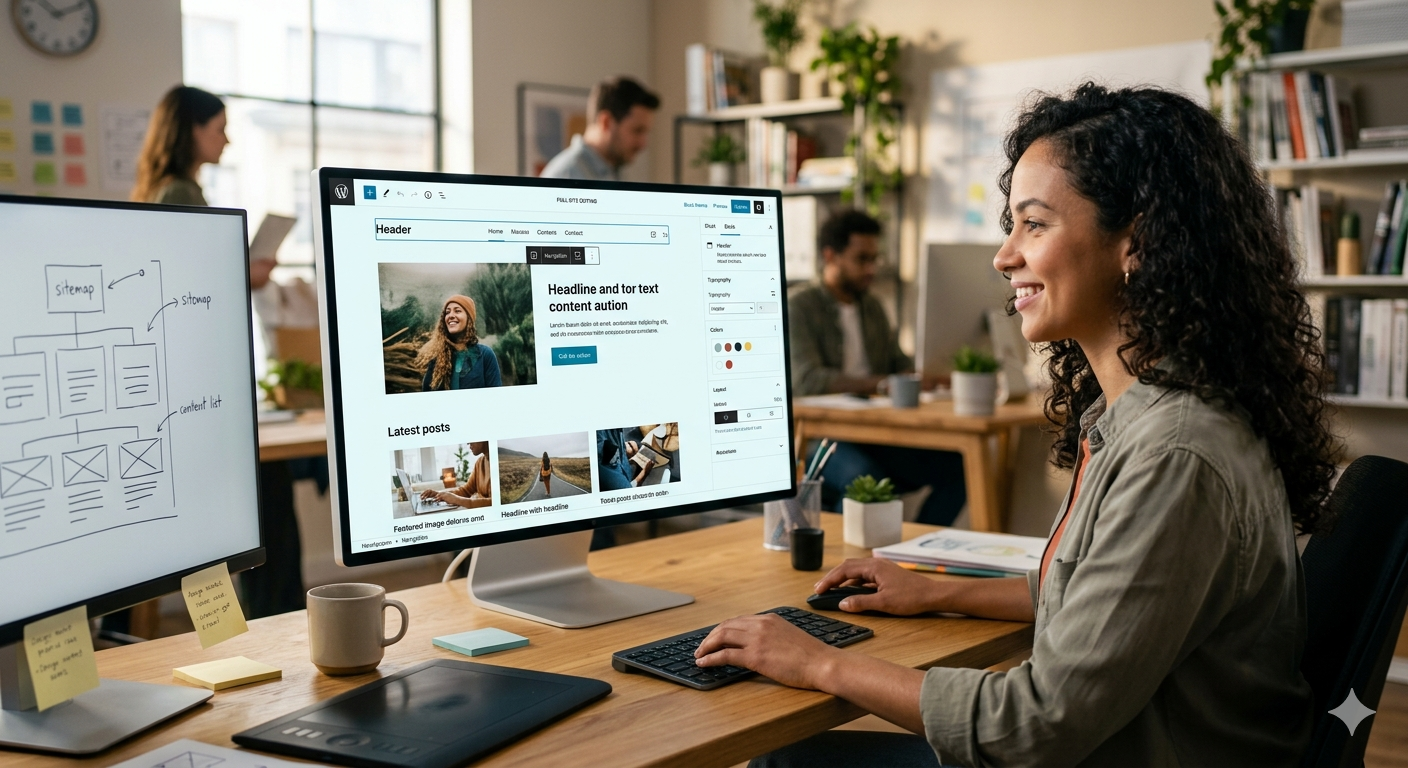
Yeh image WordPress ke modern aur realistic interface ko dikhati hai, jo Full Site Editing (FSE) ke naye daur ko perfectly represent karta hai. Is photo me ek creative co-working space ka environment hai, jahan ek professional female developer pure focus aur muskurahat ke sath bade monitor screen par kam kar rahi hai. Monitor par chal raha live interface saaf dikhata hai ki kaise bina kisi complex code ke, sirf visual blocks ka use karke ek professional website layout taiyar kiya ja sakta hai. Screen par header alignment, hero image positioning, grid layouts aur style settings ka options live dikh rahe hain, jo block-based editing ki power ko bayaan karte hain.Iske sath hi, bagal me rakhe doosre monitor par website ka structural blueprint aur sitemap bana hua hai, jo ek well-planned web design process ko showcase karta hai. Desk par rakha graphics tablet, stylish keyboard aur modern office design yeh darshate hain ki FSE technology ne aaj ke developers aur designers ka workflow kitna fast aur clean bana diya hai. Yeh poori visual setting yeh massage deti hai ki ab bina kisi programming background ke bhi koi bhi insaan ek modern, pixel-perfect aur fast-loading website aasani se design aur deploy kar sakta hai.